Make GIFs from any video in seconds.
Paste a link or upload. Bloom auto-detects the best moments. Save, download and drop it into your creative workflow.
Introducing GIF Maker
Paste a link or upload a file. Bloom finds the moments worth saving — then you trim, export, and drop them straight into your creative workflow.
Bloom auto-detects the best moments.
Turning one video into a set of GIFs:
Bloom
20s
Paste link · Auto-create
With Premiere
15min+
Download, import, trim, export...
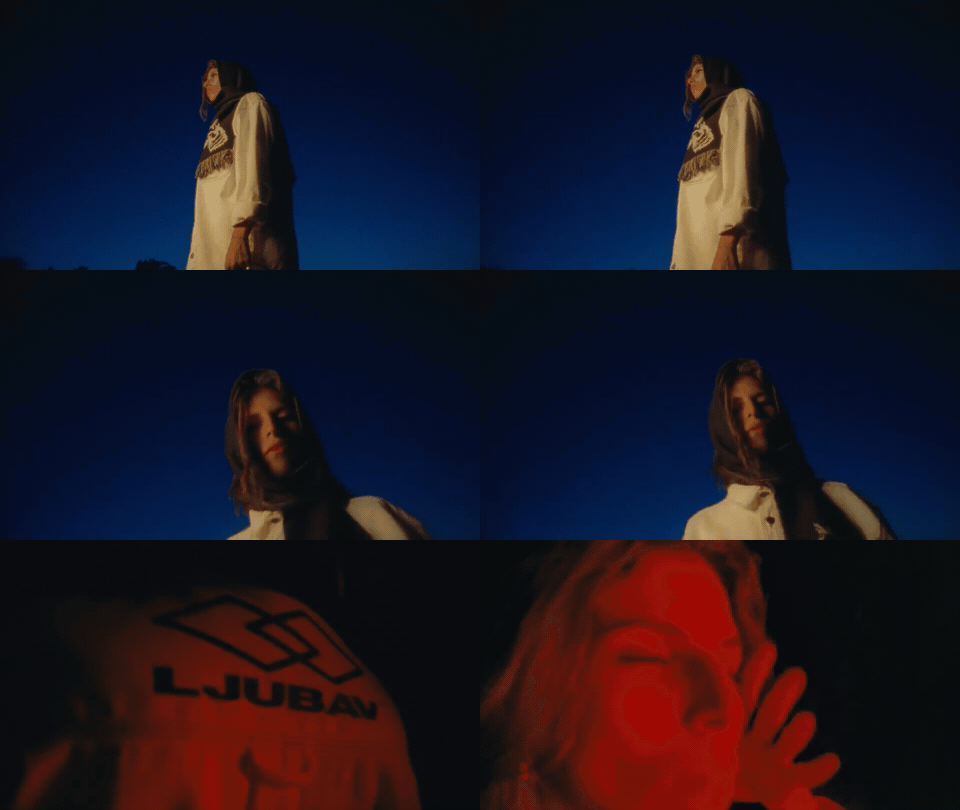
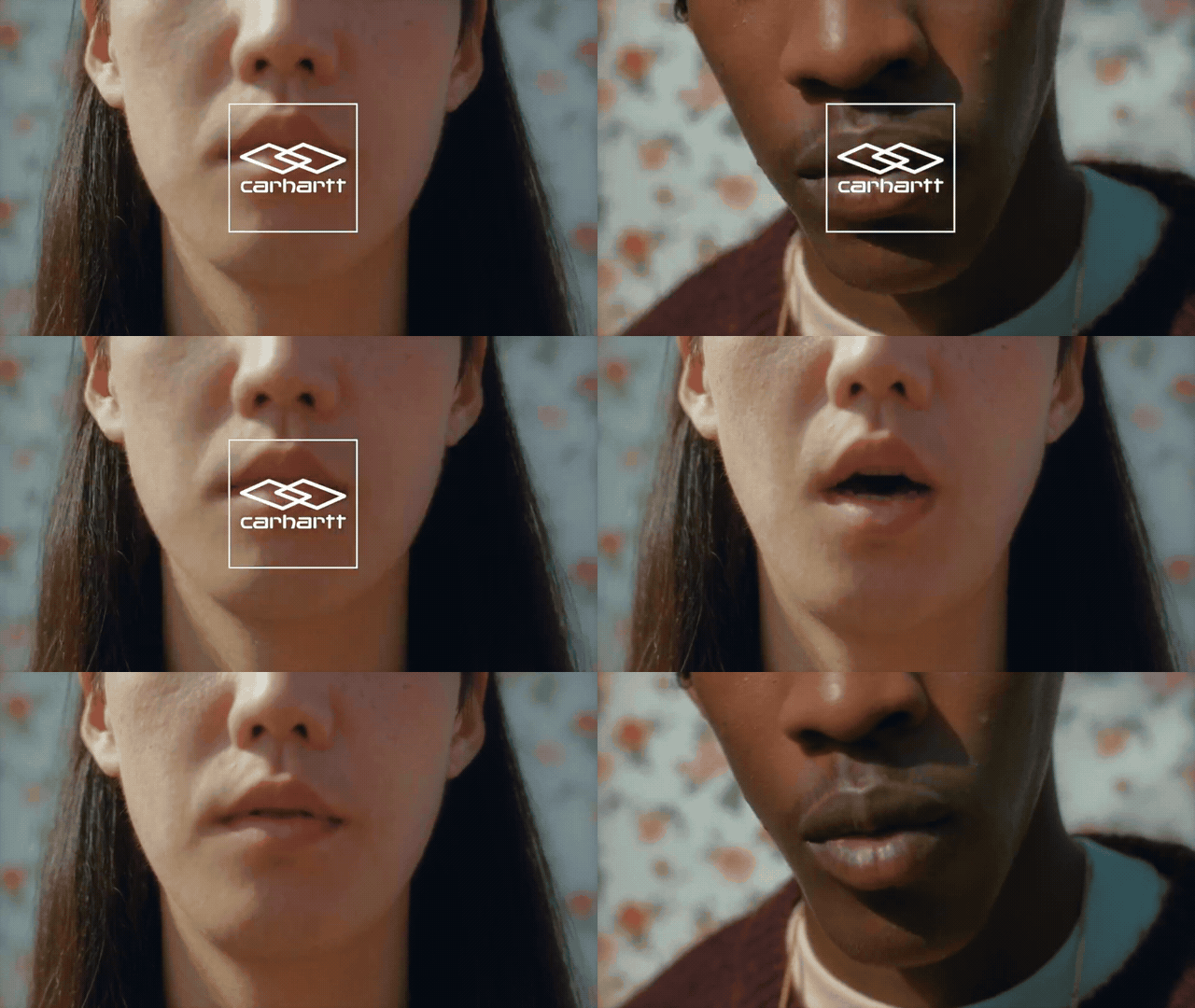
GIFs Made in Bloom
Make your own in seconds.

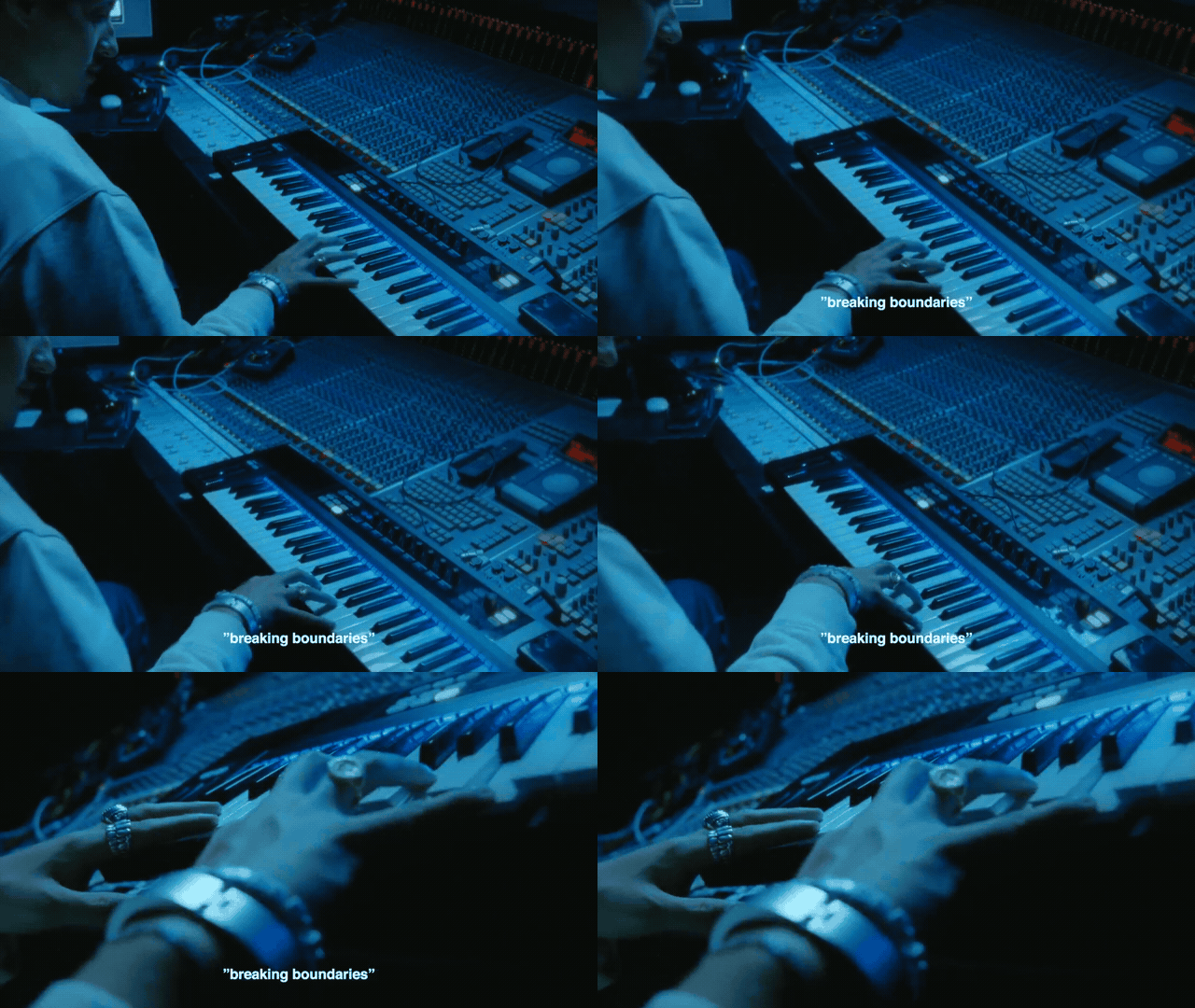
Rimowa x Bang & Olufsen, Directed by Anton Tammi, Shot by Oliver Millar
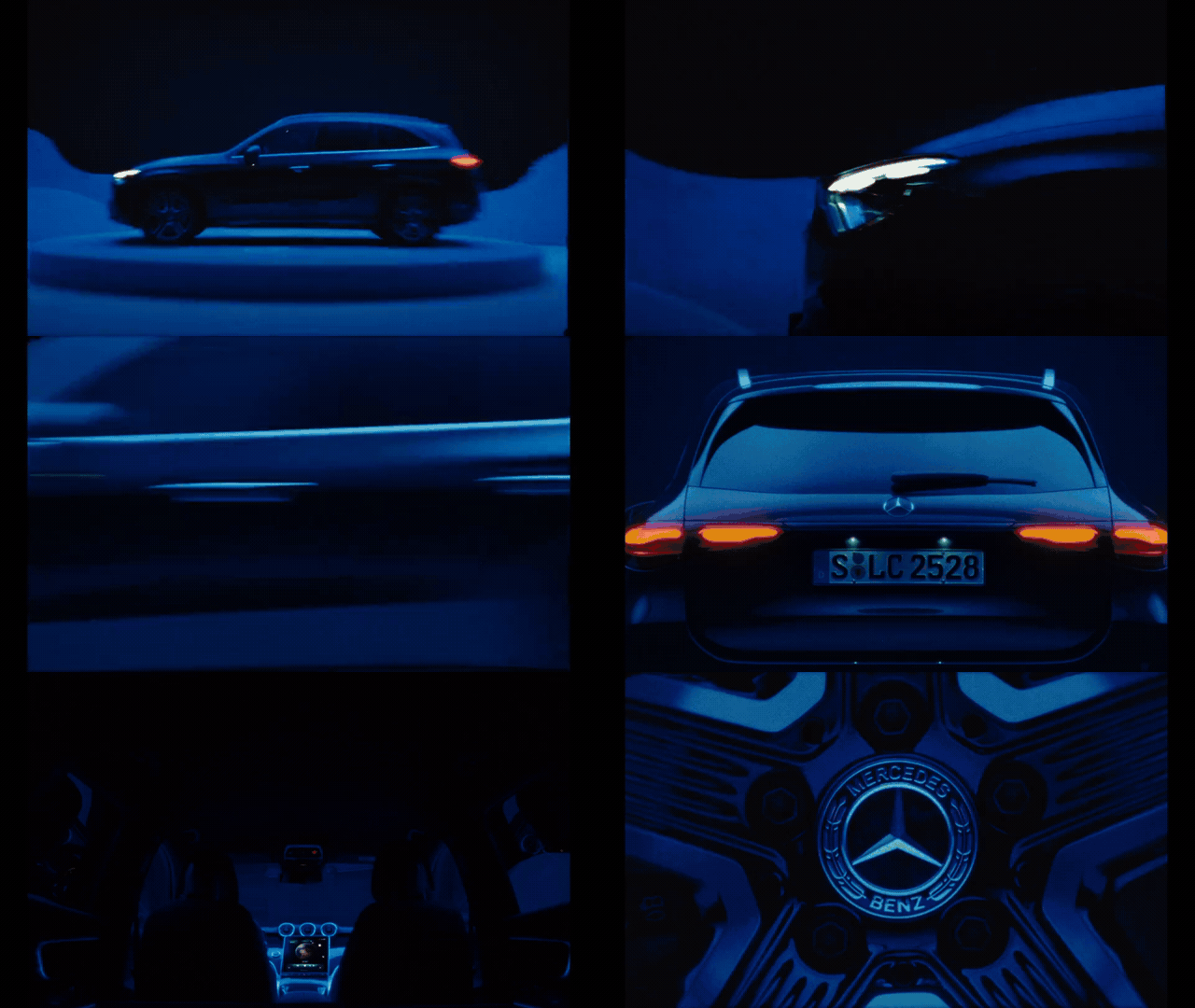
Mercedes Benz — GLC, Directed by Theodor Guelat
How it works
GIF Maker is built for visual research and creative direction workflows. Paste a link, trim or auto-create moments, then save the GIFs into your Bloom library.
1. Bloom finds the moments
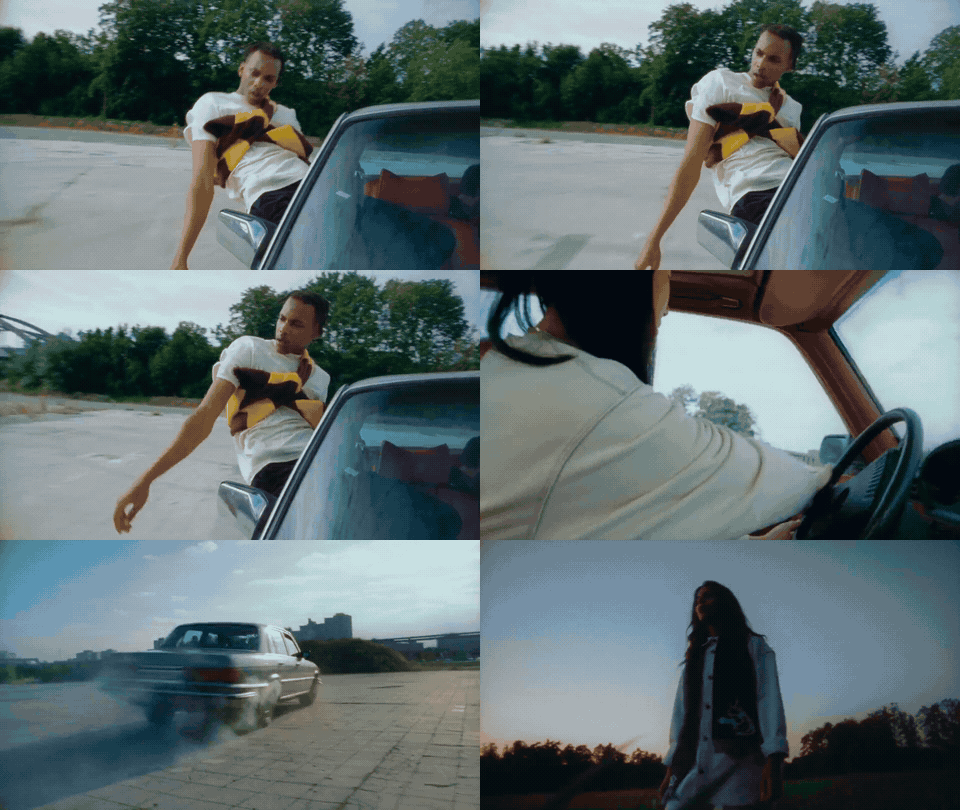
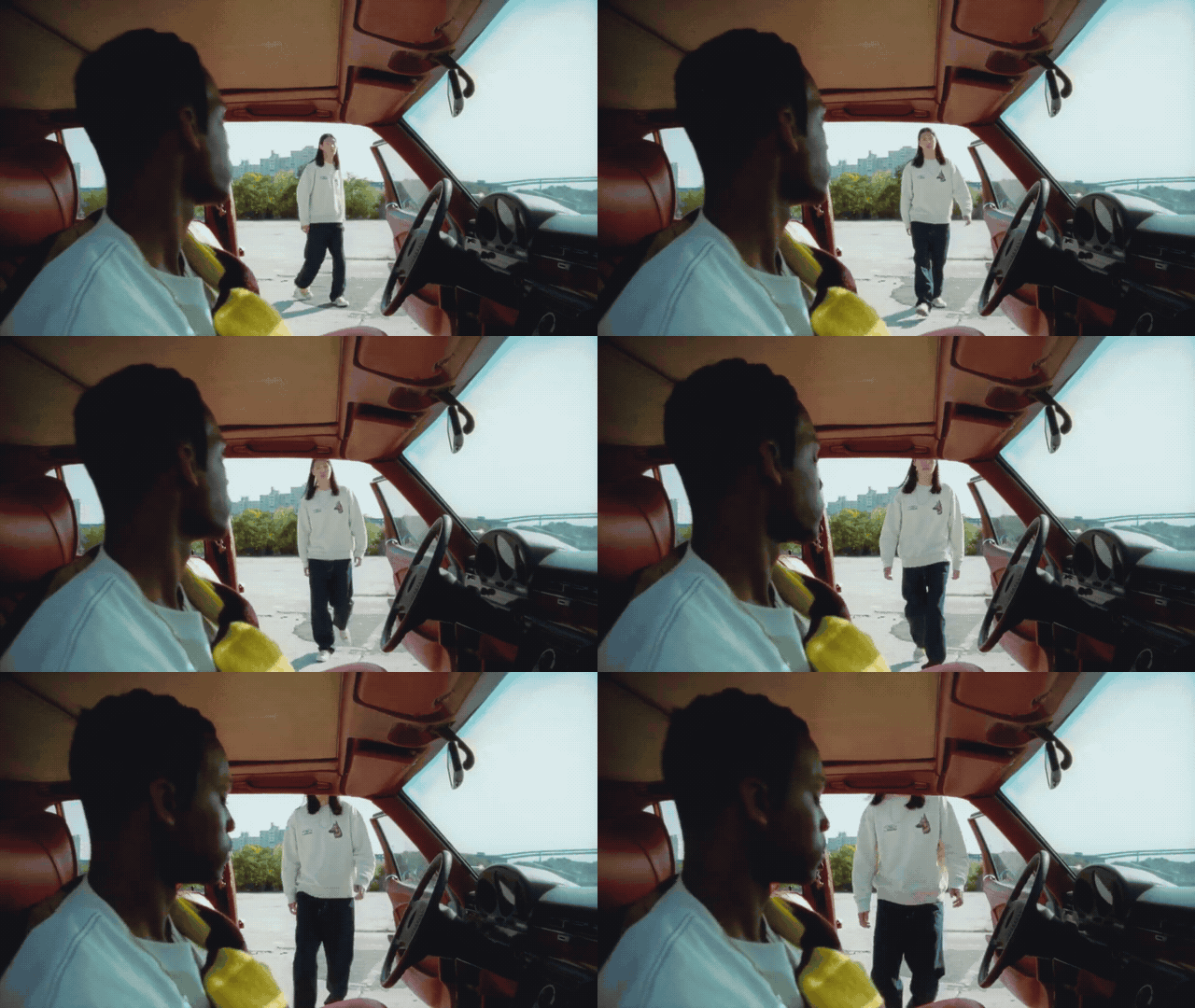
Scene detection surfaces the cuts across the video so you can create a whole set without scrubbing every second.

2. Pull a GIF, still, or clip
Set In and Out on a filmstrip timeline, then capture a still, create a clip with sound, or make a GIF — keyboard shortcuts included.




3. Save into Bloom
Drop GIFs, stills, and clips into your library and boards, next to the references they came from.
4. Download for decks & treatments
Export a GIF, a still, or a clip with sound for decks, treatments, and shotlists — no detour through Premiere.
Where it fits in your workflow
Creative teams already pull stills and clips into decks, treatments, and boards. The slow part is usually the middle: downloading a file, opening Premiere, scrubbing for the right beat, exporting, renaming, and filing it somewhere you can find again.
GIF Maker collapses that loop. You stay in Bloom — from the reference you found to the GIF you need — and the result lands in the same library as the rest of your research.
Use it when you're:
- Pulling motion references into a deck
- Building a treatment or shotlist
- Saving specific video moments to a board
- Referencing a video from Vimeo, Instagram, or YouTube
FAQ
Where can I paste links from?
Vimeo, YouTube, and Instagram — just drop in the URL.
What file types can I upload?
MOV and MP4 files.
Give your GIFs a better workflow
Paste a Vimeo, Instagram, or YouTube link — or upload your own file — and start making GIFs free for 7 days. Cancel anytime.
Save of the Week
Rimowa x Bang & Olufsen
A moment from the Rimowa x Bang & Olufsen film featuring composer Ludwig Göransson — directed by Anton Tammi, shot by Oliver Millar.
Try it yourself with the source on Vimeo, or open it in GIF Maker.